
Skip to contentQbit Wallet is live — add it to Chrome

Qbit Wallet

Post-quantum self-custody, right in your browser

Qbit Wallet is a free Chrome extension for holding, sending, and receiving QBT. Your keys stay on your device and sign with Qbit's post-quantum scheme.

  • Free to install
  • Self-custodial
  • Phishing protection
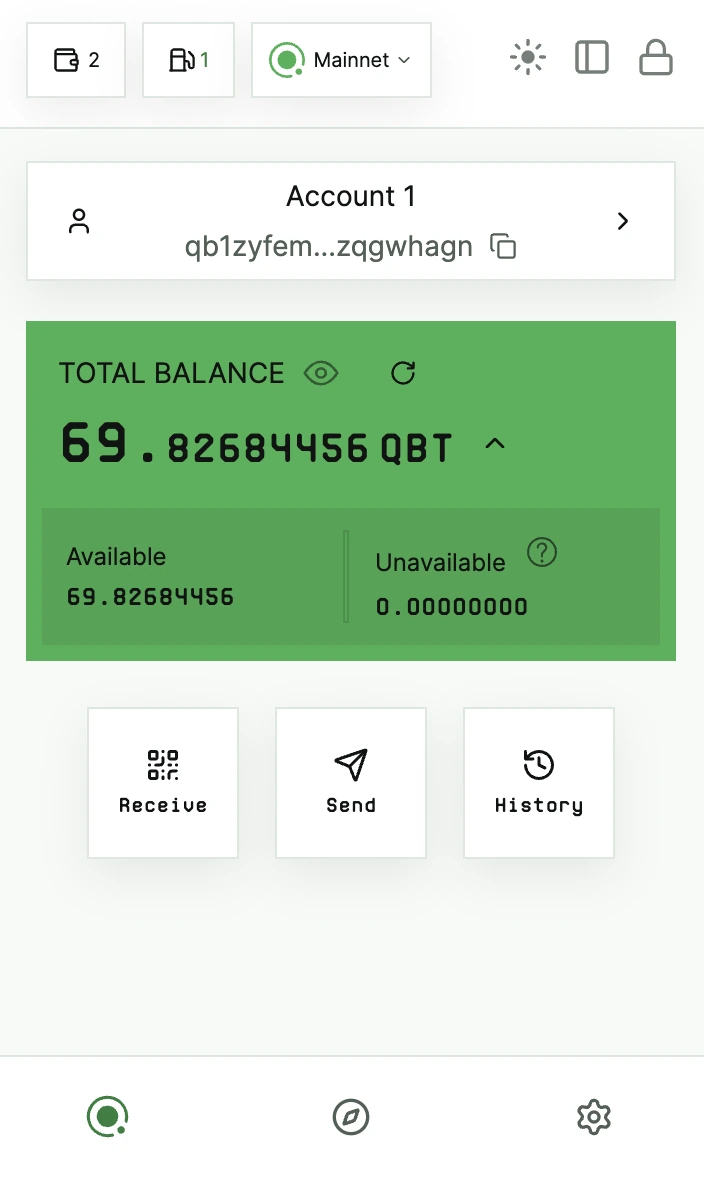
The Qbit Wallet extension on Qbit Mainnet, showing an account's total QBT balance above Receive, Send, and History actions.

Inside the wallet

Send, receive, and keep track of QBT

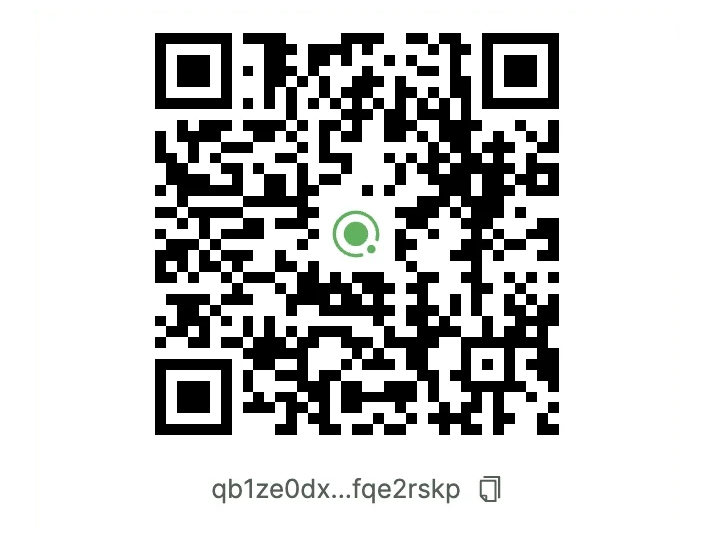
  • The Qbit Wallet receive screen showing a QR code above a shortened qb1 address.

    A fresh address every time

    A new address and QR code for each payment, with the key's remaining signatures shown.

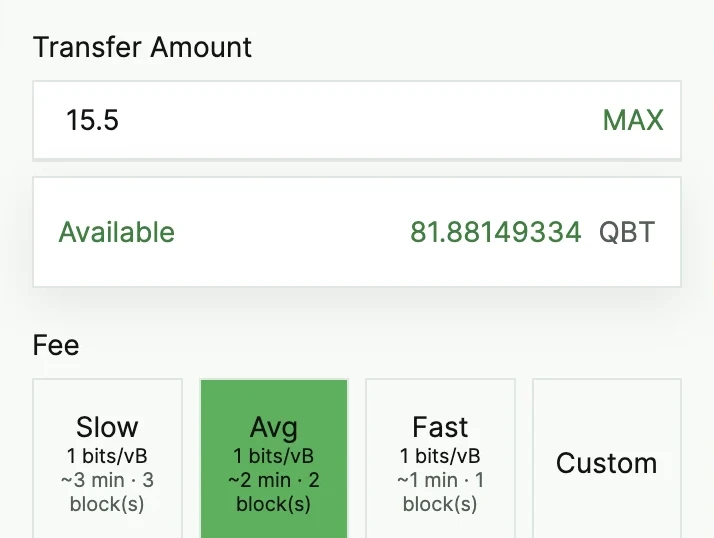
  • The Qbit Wallet send screen with a 15.5 QBT amount, the available balance, and slow, average, fast, and custom fee options.

    See it before you sign it

    Choose a fee, then check the destination and total before anything is signed.

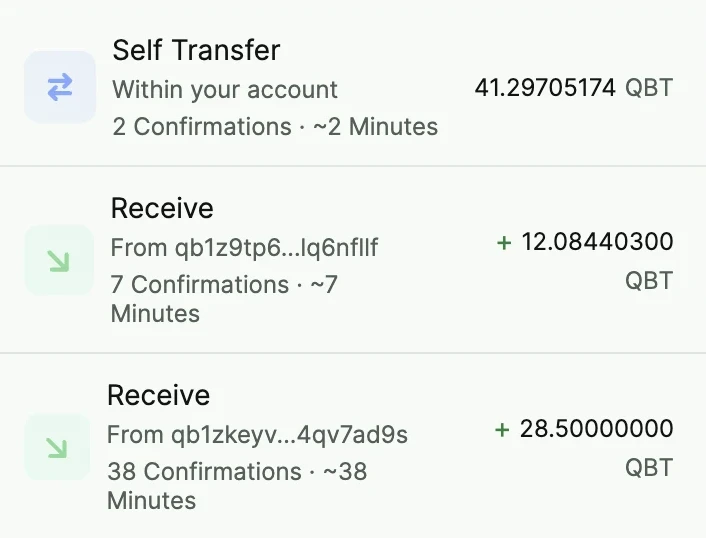
  • The Qbit Wallet history screen listing a self-transfer and two confirmed incoming payments.

    Track every transaction

    Sends and receives with live confirmations, one click from the explorer.

Post-quantum by default

Most wallets aren't ready for quantum computers. Qbit Wallet is.

Most wallets today

Signatures
Elliptic-curve signatures, such as ECDSA or Schnorr.
Keys on-chain
Your public key is revealed once you spend, and some address types show it from the start.
Quantum risk
A large enough quantum computer running Shor's algorithm could work out the private key.

Qbit Wallet

Signatures
SLH-DSA, a hash-based post-quantum signature, on every spend.
Keys on-chain
P2MR outputs commit to a Merkle root, so no public key sits exposed while your QBT is at rest.
Quantum risk
Security rests on hash functions, which Shor's algorithm cannot break.

Security and privacy

Your keys stay with you

  • Encrypted on your device

    Keys are created in the extension and encrypted with your password.

  • Locks when you step away

    It locks after 3 minutes of inactivity by default, and you can set your own timer.

  • You approve every site

    Sites see your address only after you connect them, and you can revoke access any time.

  • Phishing protection

    Known phishing sites are blocked, and sites the wallet can't verify get a warning.

Which browsers does it work in?
Chrome 114 or later. Other Chromium browsers that install from the Chrome Web Store, such as Brave and Microsoft Edge, can use the same listing.
Which networks does it support?
Qbit Mainnet and Testnet4. Switch between them from the network menu in the wallet.
How do I get QBT?
Copy a receive address and mine to it with Qbit Pool, or find exchanges and other services on the Ecosystem page.
Can I use a hardware wallet?
Not yet. Hardware wallets don't support Qbit's post-quantum signatures today.

Get Qbit Wallet

Free on the Chrome Web Store.

Qbit will never ask for your recovery phrase.